◢ The stack
◢ The build · 5 steps · 14 min
Follow these in order. Don't skip.
01
Step 01 / 05
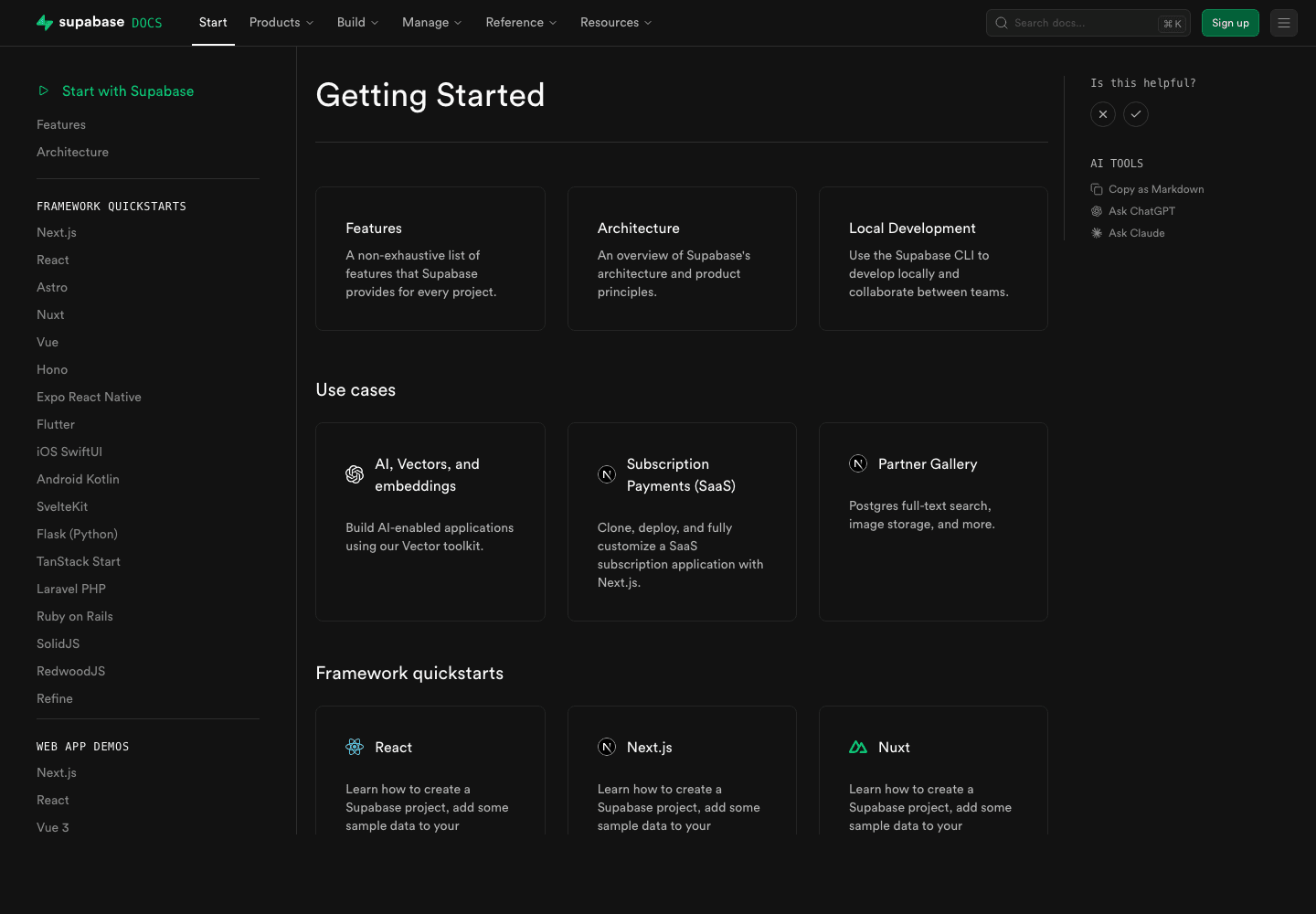
Create your project
STEP 01
- ▸Name: my-app (or whatever)
- ▸Database password: use the auto-generated one, save it in 1Password
- ▸Region: pick the one closest to your Vercel region (us-east-1 if unsure)
- ▸Plan: Free is enough for the first 500MB / 50k MAU
- ▸Wait ~2 min for provisioning
02
Step 02 / 05
Grab your keys
- ▸Project Settings → API
- ▸Copy Project URL (https://xxxxx.supabase.co)
- ▸Copy anon public key — safe in the browser
- ▸Copy service_role key — server only, NEVER ship to a client
.env.local
1NEXT_PUBLIC_SUPABASE_URL=https://xxxxx.supabase.co2NEXT_PUBLIC_SUPABASE_ANON_KEY=eyJhbG...3# Server-only — never commit, never use in 'use client' files4SUPABASE_SERVICE_ROLE_KEY=eyJhbG...◆ Watch out
If service_role ever leaks (a screenshot, a public repo, a Slack message), rotate it immediately in Project Settings → API → Reset service_role.
03
Step 03 / 05
Install + create the client helpers
Terminal
1npm install @supabase/supabase-js @supabase/ssrsrc/lib/supabase/server.ts
1import { createServerClient } from "@supabase/ssr";2import { cookies } from "next/headers";3 4export async function supabaseServer() {5 const store = await cookies();6 return createServerClient(7 process.env.NEXT_PUBLIC_SUPABASE_URL!,8 process.env.NEXT_PUBLIC_SUPABASE_ANON_KEY!,9 {10 cookies: {11 getAll: () => store.getAll(),12 setAll: (toSet) => {13 for (const { name, value, options } of toSet) {14 store.set(name, value, options);15 }16 },17 },18 },19 );20}21 22// For privileged ops (writes from agent webhooks etc) — server-only23import { createClient } from "@supabase/supabase-js";24export function supabaseAdmin() {25 return createClient(26 process.env.NEXT_PUBLIC_SUPABASE_URL!,27 process.env.SUPABASE_SERVICE_ROLE_KEY!,28 { auth: { persistSession: false } },29 );30}04
Step 04 / 05
Create your first table
- ▸Dashboard → SQL Editor → New query
- ▸Paste the migration below → Run
Supabase SQL Editor
1create table public.agent_runs (2 id uuid primary key default gen_random_uuid(),3 agent_name text not null,4 input jsonb not null,5 output jsonb,6 status text not null default 'pending',7 cost_usd numeric(10, 4),8 duration_ms integer,9 user_id uuid references auth.users(id),10 created_at timestamptz not null default now()11);12 13create index on public.agent_runs (user_id, created_at desc);14 15-- Row Level Security — users only see their own runs16alter table public.agent_runs enable row level security;17 18create policy "users see their own runs" on public.agent_runs19 for select using (auth.uid() = user_id);20 21create policy "users insert their own runs" on public.agent_runs22 for insert with check (auth.uid() = user_id);◆ Heads up
Always enable RLS on tables that contain user data. Your service-role key bypasses it for backend writes — the anon key respects it.
05
Step 05 / 05
Read + write from your app
src/app/api/agent/run/route.ts
1import { NextResponse } from "next/server";2import { supabaseAdmin } from "@/lib/supabase/server";3 4export async function POST(req: Request) {5 const { agentName, input } = await req.json();6 const sb = supabaseAdmin();7 8 const start = Date.now();9 // ... call your agent here, get back `output` ...10 const output = { ok: true };11 const durationMs = Date.now() - start;12 13 const { data, error } = await sb14 .from("agent_runs")15 .insert({16 agent_name: agentName,17 input,18 output,19 status: "ok",20 duration_ms: durationMs,21 })22 .select()23 .single();24 25 if (error) {26 return NextResponse.json({ ok: false, error: error.message }, { status: 500 });27 }28 return NextResponse.json({ ok: true, data });29}◆ Ship-it checklist
6 CHECKS
- Supabase project provisioned
- Env vars set in .env.local AND Vercel
- service_role key NEVER imported in a 'use client' file
- At least one table with RLS enabled
- src/lib/supabase/server.ts with two clients (server + admin)
- You can insert + query from a server route end-to-end